
Becoming a graphic designer is moderately hard. You’ll need 6 to 12 months of focused learning to build a professional portfolio, master industry-standard software like Adobe Creative Suite, and develop a trained eye for design principles. The barrier to entry isn’t impossibly high, especially for those starting with no experience but success requires consistent practice and a willingness to accept critique as you develop your skills.
The biggest challenge isn’t talent. Most people assume graphic design demands innate artistic ability, but the reality is different. Professional designers rely on learnable principles: typography hierarchy, color theory, spatial composition, and visual problem-solving. These are skills you acquire through repetition, not gifts you’re born with.
What makes it genuinely difficult is the self-discipline required. Unlike traditional education with structured deadlines, most aspiring designers learn independently through online courses, YouTube tutorials, and personal projects. You’ll spend hours recreating designs to understand why they work, studying font pairings that feel off, and rebuilding layouts until they click. That process tests your commitment.
The technical learning curve is real but manageable. Photoshop, Illustrator, and Figma have steep initial climbs, yet most designers become functional within their first month and proficient within three to six months of daily use. The software is a tool, nothing more. Understanding when and why to use each tool separates hobbyists from professionals.
Small business owners and entrepreneurs entering graphic design face a unique advantage: you already understand client needs, deadlines, and business objectives. That context accelerates your growth once you grasp the fundamentals.
What Makes Graphic Design Feel Hard for Beginners
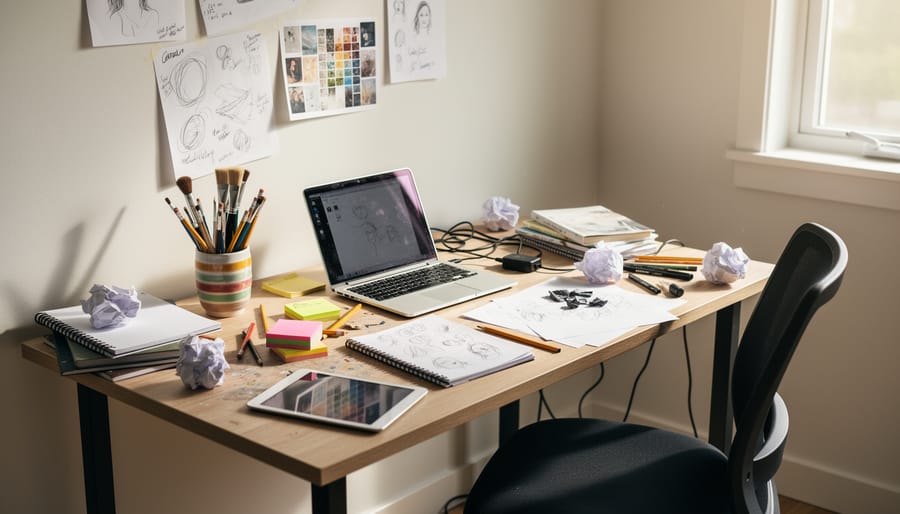
Most beginners hit the same walls when they start learning graphic design, and the challenges are real.
Design software is the first shock. Programs like Adobe Illustrator and Photoshop come with interfaces that look like airplane cockpits. You’ll find yourself hunting for basic tools while YouTube tutorials casually mention “Pathfinder” or “Layer Masks” as if everyone knows what those mean. The learning curve is steep because these programs pack decades of professional features into every menu.
Then there’s the principles problem. You might think good design is just making things look pretty, but experienced designers know about hierarchy, white space, color theory, typography, and composition. When your first logo looks wrong but you can’t figure out why, it’s usually because you’re missing these fundamentals. A beginner often creates designs that feel cluttered or amateurish without understanding what’s actually broken.
Building a portfolio from nothing creates a catch-22 that stops many people cold. Clients want to see your work before hiring you, but you need clients to create work. This chicken-and-egg situation feels impossible at first. You’re staring at a blank Behance profile wondering what you’re supposed to fill it with when you’ve never designed anything professionally.
Imposter syndrome hits particularly hard in design because you’re constantly comparing your early work to professionals with ten years of experience. Your first attempts will look rough next to the polished portfolios flooding Instagram and Dribbble. You’ll question whether you have any talent at all, especially when a project takes you eight hours that a pro would finish in thirty minutes.
The technical vocabulary alone can overwhelm you. Kerning, leading, CMYK, vector vs. raster, bleed, resolution, the jargon flies fast in design tutorials and job postings. Feeling lost in conversations about basic concepts makes the whole field seem more complicated than it needs to be.
These challenges are what make graphic design feel genuinely hard when you’re starting from scratch. But here’s the key: every successful designer you admire faced these exact same obstacles and pushed through them.
The Skills You Actually Need to Start
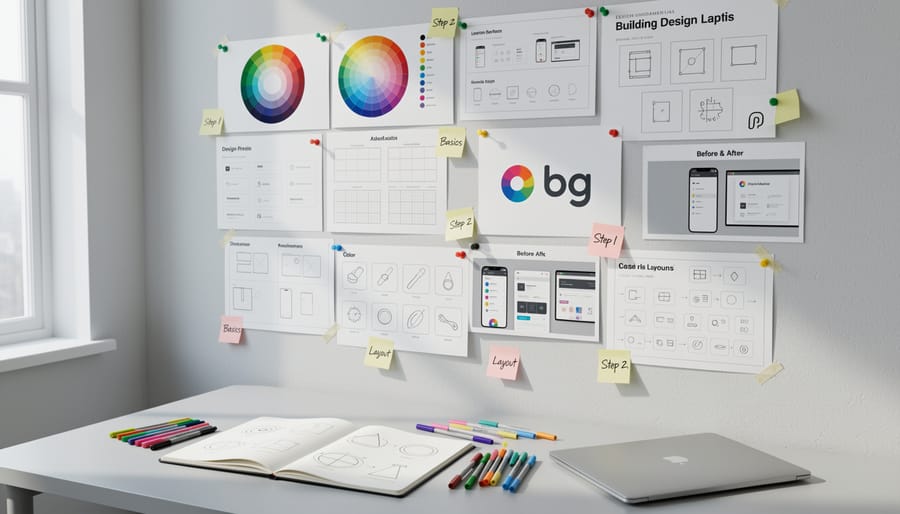
You can start designing professionally with just three core skills: basic design fundamentals, one design tool, and the ability to communicate with clients. Everything else comes with practice.
The essential skills break down into distinct categories, each with different learning curves:
| Skill | Priority | Time to Learn | Type |
|---|---|---|---|
| Basic design principles (contrast, hierarchy, alignment) | Essential | 2-4 weeks | Foundation |
| One design tool (Canva or Figma basics) | Essential | 1-3 weeks | Technical |
| Client communication and feedback handling | Essential | Ongoing | Soft skill |
| Adobe Creative Suite mastery | Advanced | 6-12 months | Technical |
| Typography expertise and font pairing | Advanced | 3-6 months | Foundation |
| Brand strategy and positioning | Advanced | 1-2 years | Strategic |
Design principles form your foundation. Contrast, visual hierarchy, alignment, proximity, and color theory matter more than which software you use. You can grasp these concepts in weeks by studying existing designs and understanding why they work. Many successful designers spend just 30 minutes daily analyzing logos, websites, and advertisements to internalize these rules.
Software proficiency starts simple. Canva gets you designing immediately, while Figma offers more control without Adobe’s learning curve. You need functional competence, not expert-level mastery. Being able to create clean layouts, export files properly, and work with layers covers 80% of beginner projects. Adobe Illustrator and Photoshop become important once you’re landing bigger clients, but they’re not gatekeepers to getting started.
The soft skills separate working designers from hobbyists. You’ll spend half your time communicating: understanding what clients actually want versus what they say, presenting concepts confidently, and incorporating feedback without taking criticism personally. New designers often underestimate this aspect. Learning to ask the right questions during a project brief, set clear expectations about revisions, and explain design decisions in business terms rather than design jargon takes real-world practice with actual clients.
File management and organization matter immediately. Naming layers logically, maintaining version control, and delivering proper file formats prevents amateur mistakes that damage your credibility. These habits form quickly once you establish a system.
The biggest misconception is that you need formal training in art or extensive technical knowledge before starting. Most working designers learned the essentials in under three months through focused practice and real projects. The advanced skills that take years develop naturally as you work, but they’re not prerequisites for beginning.
How Long Does It Really Take to Get Job-Ready
The learning timeline varies significantly based on your chosen path and how much time you dedicate each week. Most beginners become job-ready within 6 to 18 months, though your mileage will vary.
Self-taught designers typically need 12 to 18 months of consistent practice to land their first paid work. This assumes you’re spending 10 to 15 hours weekly learning design software, studying principles, and building portfolio pieces. Sarah Chen, now a full-time designer at a Toronto agency, started with YouTube tutorials in January 2024 while working retail. By August 2025, she had landed her first freelance clients and transitioned to design work full-time 16 months after starting.
Bootcamp graduates often compress this timeline to 3 to 6 months because of structured curricula and intensive hours. Most reputable programs run 12 weeks full-time or 24 weeks part-time. Marcus Johnson completed a design bootcamp while working evenings and weekends. Four months after graduation, he secured a junior designer position, making his total journey about 10 months from complete beginner to employed designer.
Part-time learners balancing jobs or family commitments usually need 18 to 24 months to build sufficient skills and portfolio work. This extended timeline reflects 5 to 8 hours of weekly practice rather than limited ability. Jennifer Lopez spent two years learning design around her administrative job, gradually taking on small projects. Her patience paid off when she landed a remote design position that doubled her previous salary.
The career path steps matter less than consistency. Designers who practice regularly, even just 30 minutes daily, progress faster than those cramming sporadically. Your first paid work typically comes before you feel completely ready, often within 6 to 9 months of focused effort.
The critical milestone is your first three portfolio pieces that demonstrate real problem-solving, not perfection. Once you have these, you can start applying for entry-level positions or pitching small businesses. Most successful career changers secure their first design income well before completing their full learning journey, using early client feedback to guide what skills to develop next.
The Easiest Way to Build Your First Portfolio
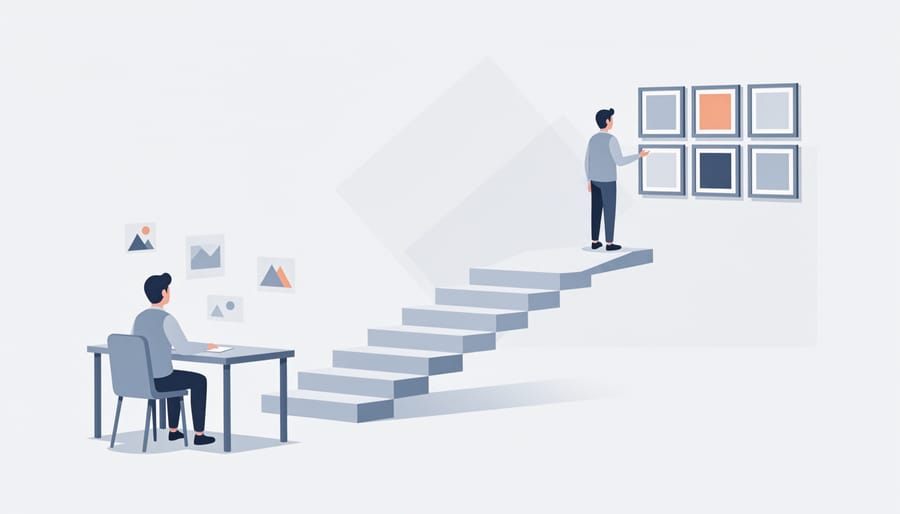
The portfolio roadblock stops most aspiring designers before they start. You need work to get work, but how do you create convincing pieces without clients? Here’s the reality: your first portfolio doesn’t need real client projects. It needs thoughtful work that demonstrates problem-solving ability.
Start with a first portfolio plan that targets specific design categories. Choose five diverse project types: a logo and brand identity, a poster or event design, a website mockup, social media graphics, and a packaging concept. This range shows versatility without requiring months of work.
Here’s your step-by-step approach to building these pieces from nothing:
- Pick a fictional business or product you understand well. Coffee shops, fitness apps, and local bakeries work perfectly because you already know their audience and pain points.
- Write a creative brief for yourself as if a real client gave you the project. Include target audience, design goals, and specific deliverables. This demonstrates strategic thinking.
- Research competitors and create a mood board before designing. Document this process in your portfolio presentation to show your methodology.
- Design three variations of each concept, then select the strongest. Including your iterations proves you refine ideas rather than settling for first attempts.
- Present each piece with context. Explain the problem you solved, your design decisions, and the intended impact. The narrative matters as much as the visual.
Redesign projects offer another fast track. Find poorly designed real-world examples like outdated restaurant menus, confusing nonprofit websites, or bland product packaging. Your portfolio piece becomes the improved version alongside the original for comparison. This approach feels more authentic because you’re solving actual problems, even without client permission to use the work commercially.
Volunteer for nonprofits or small local businesses needing free design help. You gain real client communication experience while building portfolio work. Animal shelters, community gardens, and school fundraisers constantly need event posters, social posts, and simple branding. Just manage expectations clearly about your experience level.
Practice briefs from design challenge websites like Briefbox or provide professional-grade project descriptions. These pre-written briefs eliminate the guesswork about what to create and often include detailed requirements that mirror real client requests.
Your first portfolio needs just five strong pieces that show range and process. Quality beats quantity every time. One thoughtfully executed brand identity with documented research and iterations outweighs ten random logos with no context. Focus on telling the story of how you think through design problems, not just displaying pretty pictures.
Where Graphic Design Is Surprisingly Easy
While graphic design has its challenges, several aspects of the field are far easier to access than you might expect.
The learning resources available today would have seemed impossible 10 years ago. Platforms like YouTube offer thousands of free tutorials covering every design topic imaginable. You can learn color theory in an afternoon, master basic logo design in a week, and understand typography fundamentals without spending a dollar. Figma and Canva both offer robust free versions that let you practice immediately without financial commitment.
The design community actively wants you to succeed. Online forums, Discord servers, and social media groups are filled with experienced designers who remember being beginners themselves. Post a design for feedback on Reddit’s design communities, and you’ll receive constructive criticism within hours. This supportive environment means you’re never truly learning alone.
Getting your first paying work is more achievable than in many creative fields. Small businesses desperately need design help but can’t afford agency rates. A local restaurant needs a menu redesign. A friend’s startup needs social media graphics. An accountant needs business cards. These opportunities don’t require a fancy portfolio or formal credentials. They just need someone who cares and can deliver clean, professional work.
The barrier to entry has essentially vanished. You don’t need expensive software subscriptions, formal education, or even a powerful computer to start. A laptop and free design tools are enough to begin building real skills and creating work that clients will pay for. Many successful designers started exactly this way, proving that accessibility has never been better for aspiring designers willing to put in consistent effort.
Your Next Steps to Start Designing in 2026
Start with free design tools you already have access to: grab Canva’s free tier for basic projects and download Photopea as your browser-based Photoshop alternative. Spend your first two weeks creating three simple projects, a fictional coffee shop logo, an event poster, and a social media ad mockup, focusing on fundamental layout and typography rather than advanced techniques.
For practice briefs that mimic real client work, check out platforms like Briefbox, Daily UI challenges, or Designercize. These give you specific constraints and deadlines without the pressure of actual clients. Alternatively, reach out to one local nonprofit or small business owner in your network and offer a single free project, this builds both your portfolio and your comfort with client feedback.
When you’re ready for your first paid work, your next steps should focus on platforms where beginners compete fairly: list services on Fiverr at entry-level pricing, join local Facebook groups where small businesses post design needs, or contact three small companies directly with specific redesign suggestions for their existing materials. Don’t pitch generic services; show them exactly what you’d improve.
While you’re building your skills, consider how businesses actually hire designers. Many small and medium companies outsource design work to established agencies rather than freelancers because they need reliable turnaround and professional results. If you’re a business owner reading this and need design work now rather than later, working with experienced teams who understand your deadlines and brand consistency delivers faster results than hoping a beginner learns quickly enough.
Set a 90-day goal: three strong portfolio pieces, one design tool you’re confident using, and your first paying client or contract role. That timeline transforms “aspiring designer” into “working designer” faster than you’d expect.
So is becoming a graphic designer hard? Yes and no. The technical skills, design principles, and portfolio building require real effort and sustained practice. You won’t master Adobe Creative Suite in a weekend, and your first designs probably won’t win awards.
But here’s what matters more than raw difficulty: your approach. Thousands of people start from zero experience every year and build successful design careers. The difference isn’t innate talent or perfect circumstances. It’s choosing a structured learning path, practicing consistently, and pushing through the awkward beginner phase when everything feels overwhelming.
The barrier to entry has never been lower. Free tutorials exist for every skill level. Design tools offer student discounts or free alternatives. Online communities provide feedback and support. Small businesses desperately need affordable design work, giving you real-world practice opportunities.
If you’re willing to dedicate six months to a year of focused learning, build projects even when you don’t feel ready, and actively seek feedback, you can absolutely become job-ready without formal training or prior experience. The question isn’t whether it’s achievable. It’s whether you’re committed enough to work through the genuinely challenging parts until designing becomes second nature.